Floating capture button
Floats over every app, about 5 mm across. Tap it to capture; drag it out of the way. It stays where you leave it.
A free plugin for Supernote
Tap the floating button in any app, drag a box over the part you want, and you're writing on it a second later. In PDFs and EPUBs your handwriting comes along as real ink, with a link back to the page.
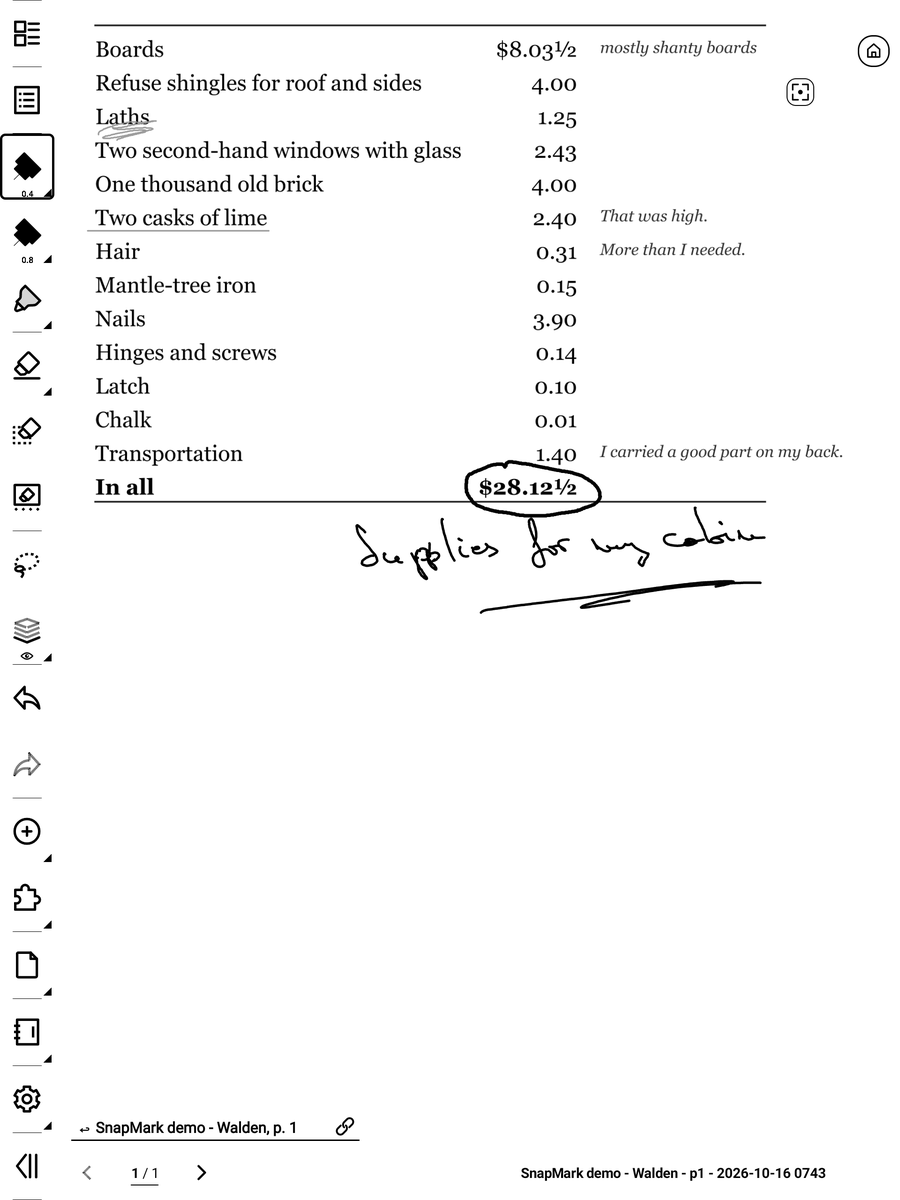
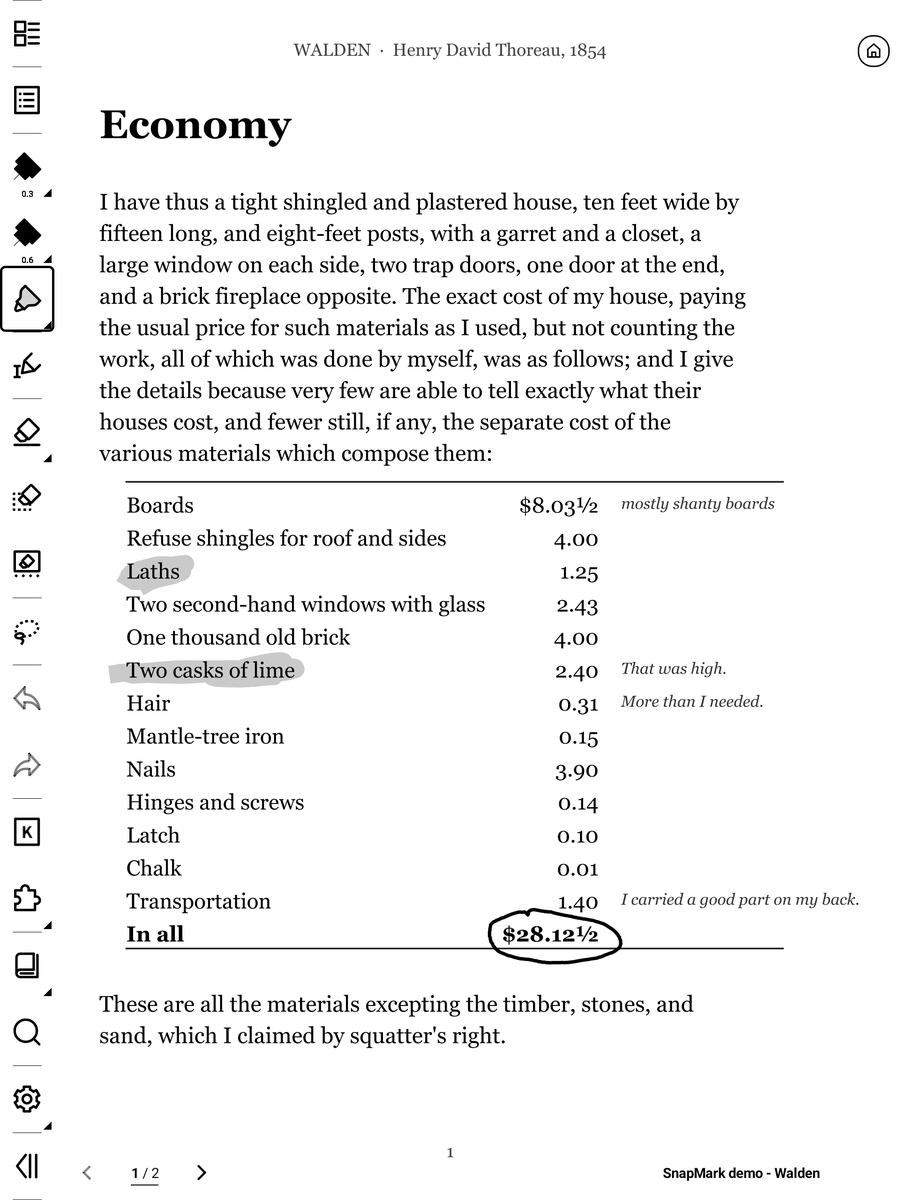
A book, a PDF, Kindle, a web page. Anything on your Supernote.
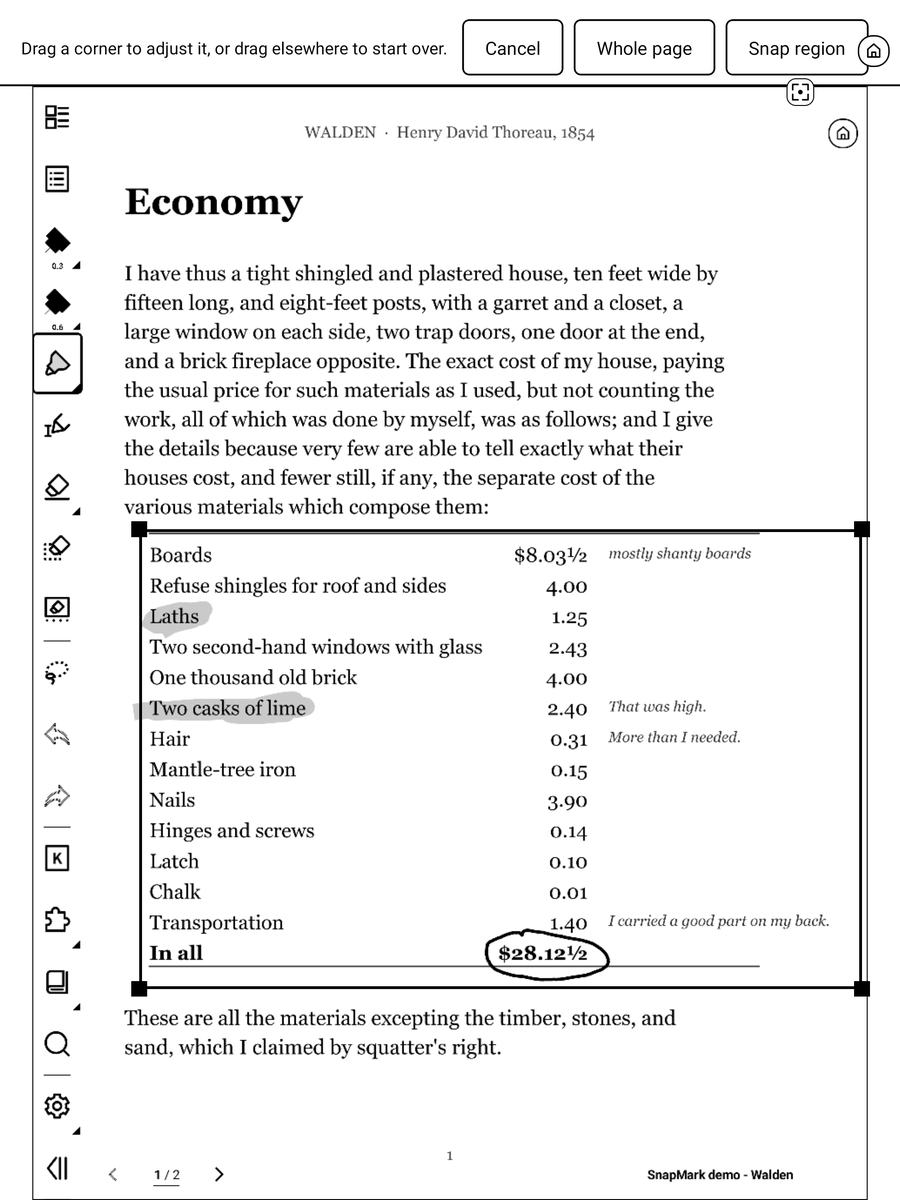
The floating button captures the screen. Keep the whole thing or just the part you want.
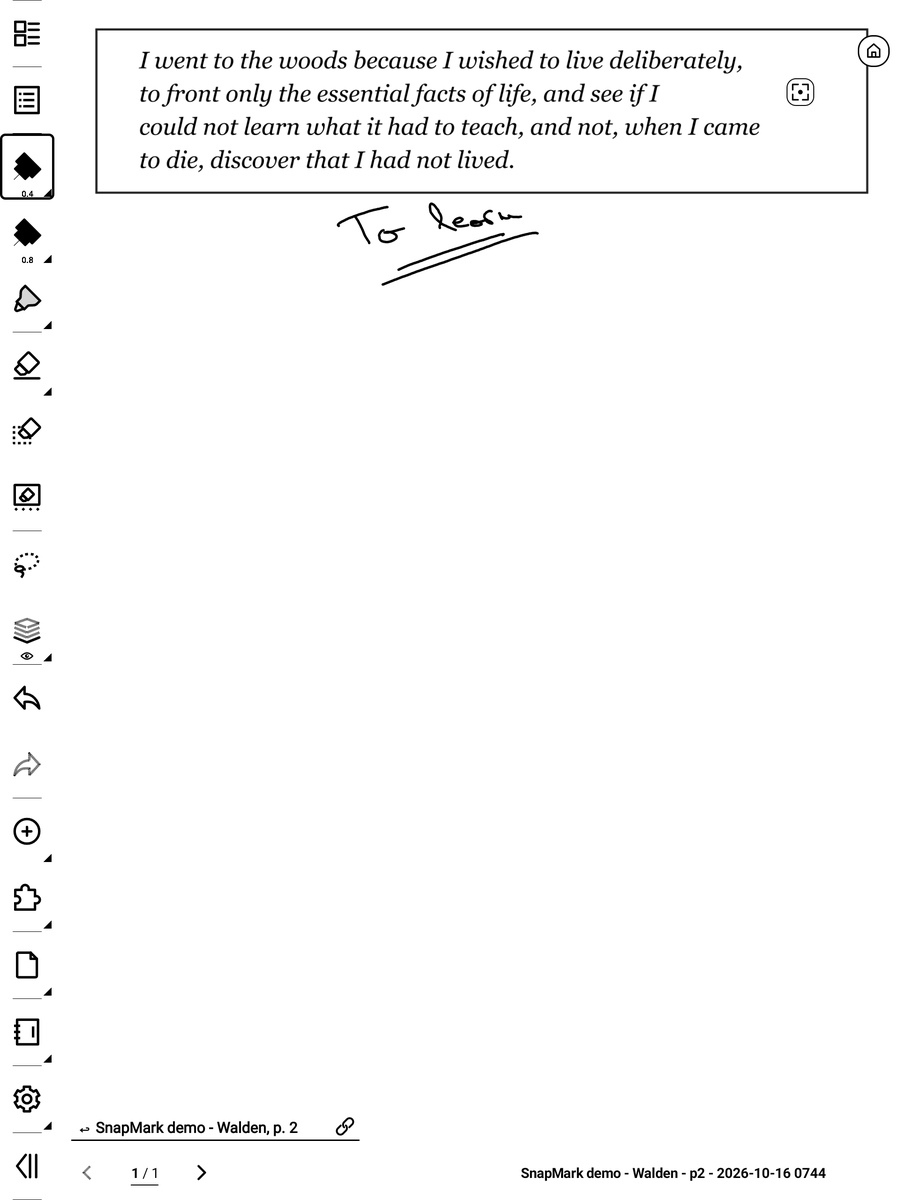
A new note opens with your cut-out at the top and the rest of the page free to write on.
Floats over every app, about 5 mm across. Tap it to capture; drag it out of the way. It stays where you leave it.
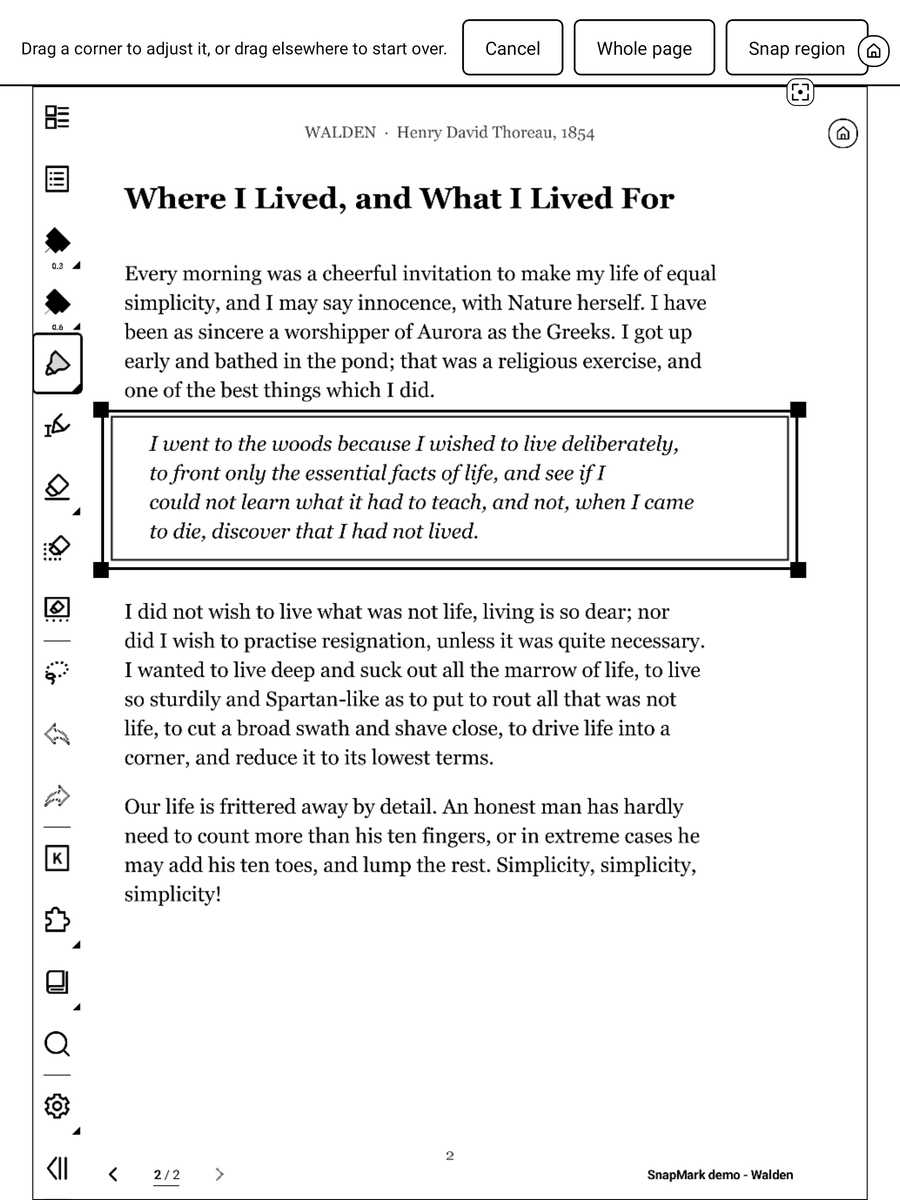
Box a paragraph, a verse or a chart. Just that part goes at the top of a fresh page, enlarged if it's small.
Snap a PDF or EPUB page and your handwriting comes along as real strokes you can still erase and move.
Every snap from a document carries a ↩ Book, p. 42 link. One tap and you're back where you were reading.
Turn a normal Supernote screenshot into a note, or drop it onto the page you're writing on.
Collect every snap in one notebook, leave a writing margin, or export a page as PNG.
.snplg file from the latest release.MyStyle folder on your Supernote, by USB or with the Supernote Partner app.Needs firmware with plugin support: Chauvet 3.29.43 or later on Manta and Nomad, 2.26.40 or later on A5 X and A6 X. Updating? Install over the old version, then restart your Supernote. The how-to guide covers every feature and setting.
It's tested on the Manta. It's written to work on the Nomad, A5 X and A6 X too, but those are untested so far. If you try one, please report how it went on GitHub.
No. SnapMark asks only for file access and has no internet access. Your snaps are ordinary notes on your device.
The floating button is native code running inside Supernote's plugin system, which is already allowed to draw over apps and read the screen. SnapMark only captures when you tap the button, and the source code is open if you want to check.
The Supernote pen writes through anything floating over a page. Keep the button on the file name at the bottom right of a note, where the pen doesn't write, or tap it with your finger.
In Note/Snaps/: page snaps in a folder per book, captures in Snaps/Screenshots/, and the optional inbox at Snaps/Snaps inbox.note. You can change the folder in SnapMark's settings.
Install the new .snplg over the old one, then restart your Supernote so the new version is the one running. Your settings are kept.
Turn the floating button off in SnapMark's settings, then remove SnapMark in Settings → Apps → Plugins. Your snaps stay where they are.
No. SnapMark is an independent, open-source project. It isn't affiliated with or endorsed by Ratta or Supernote.
Please open an issue on GitHub with your device, firmware version, SnapMark version and what you tapped. The troubleshooting table may already have the answer.
SnapMark is free. If it saves you time, you can buy me a coffee.
Support on Ko-fi